This is my next monitor.
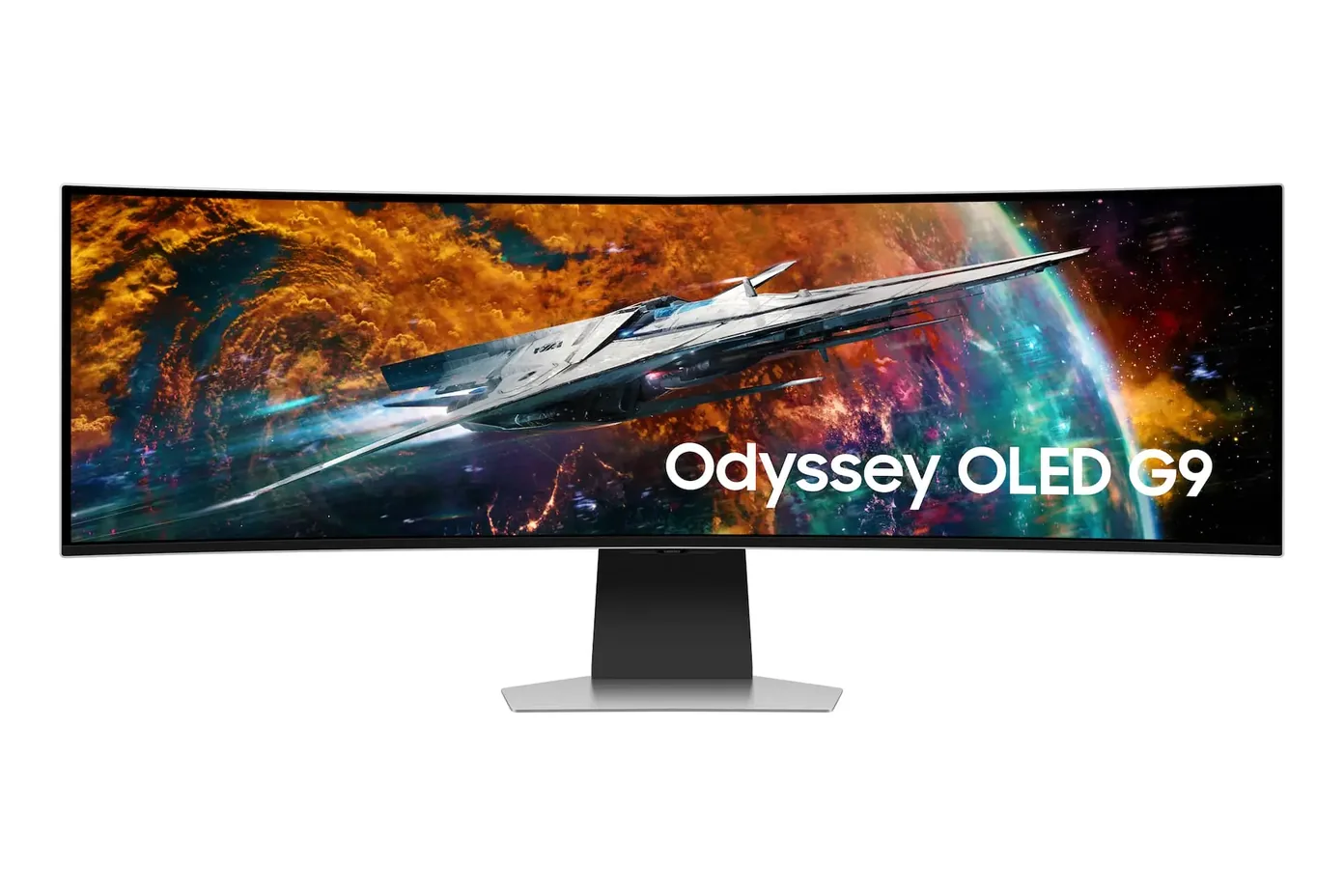
The Samsung Odyssey OLED G9 49″.
A monitor as wide as two monitors sounds ridiculous until you count how often you drag one window aside to see the one behind it. My LG UltraFine is sharp. It’s also full.”
It’s two monitors without the seam
My UltraFine 4K is sharp, honest and permanently too small for the way I work. A document, the spreadsheet it came out of, and the draft I’m writing from both, all needing to be visible at the same time. Right now the windows shuffle all day instead of the work.
OLED on a desk is a one-way door
True black and 240Hz after years of a sedate, perfectly good 60Hz panel. I don’t expect to be able to go back. Owners say returning to an LCD feels like someone smeared the glass.
| Panel | 49″ curved (1800R) Dual QHD QD-OLED |
|---|---|
| Resolution | 5120×1440 |
| Refresh rate | 240Hz |
| Response time | 0.03ms GtG (manufacturer rating) |
| Ports | DisplayPort 1.4 (DSC), HDMI 2.1, Micro HDMI 2.1, 2-port USB hub (data only, no PD) |
| Brightness | 250 nits SDR, up to 1000 nits peak HDR |
| Best under ₹45,000 |
LG UltraFine 27US550
₹43,990
|
Honest 4K panel for the moneyStingy ports and a wobbly stand |
|---|---|---|
| The sweet spot |
Dell UltraSharp U2725QE
₹57,990
|
Sharp 4K panel, and one cable does power and pictureStill costs proper money for an office monitor |
| Money no object |
Samsung Odyssey OLED G9 49″
₹1,39,999
|
Two QHD monitors fused into one 240Hz OLED curveNeeds a deep desk and a serious GPU, and burn-in paranoia comes free in the box |
Dell UltraSharp U2725QE, for a normal desk. A 4K panel nobody complains about and a proper one-cable dock, for well under half the price.
The India retail box (cables, stand, exact SKU suffix) hasn’t been checked against a specific Amazon.in listing yet, and I haven’t confirmed in person that there’s no USB-C power delivery on the port panel, only what the spec sheet says.
That link is an Amazon.in search, not one exact listing: I haven’t pinned a specific product page until I’ve verified it matches this configuration. If you buy through that link I earn a small commission. It costs you nothing and keeps the picks independent. I accept long-term review units; they never buy the pick, and I say so when a unit was loaned.
Do I need a strong GPU to drive this thing?
Yes, 5120×1440 at 240Hz is a serious amount of pixels to push. If your graphics card is a few years old, budget for an upgrade alongside the monitor or you won’t see the refresh rate you paid for.
Is burn-in a serious risk with a mostly-text, mostly-static desktop?
It’s the honest downside. Static toolbars and taskbars sitting in one place for years are the pattern that ages an OLED panel, so I’d plan on rotating my layout occasionally rather than pretend it away.
Is the curve too aggressive for spreadsheet and document work?
Some people find 1800R distracting for straight-line work at first. I’ve read enough owner accounts saying it fades into the background within a week that I’m not worried, but it’s a fair thing to try before you buy if you can.