This is my next keyboard.
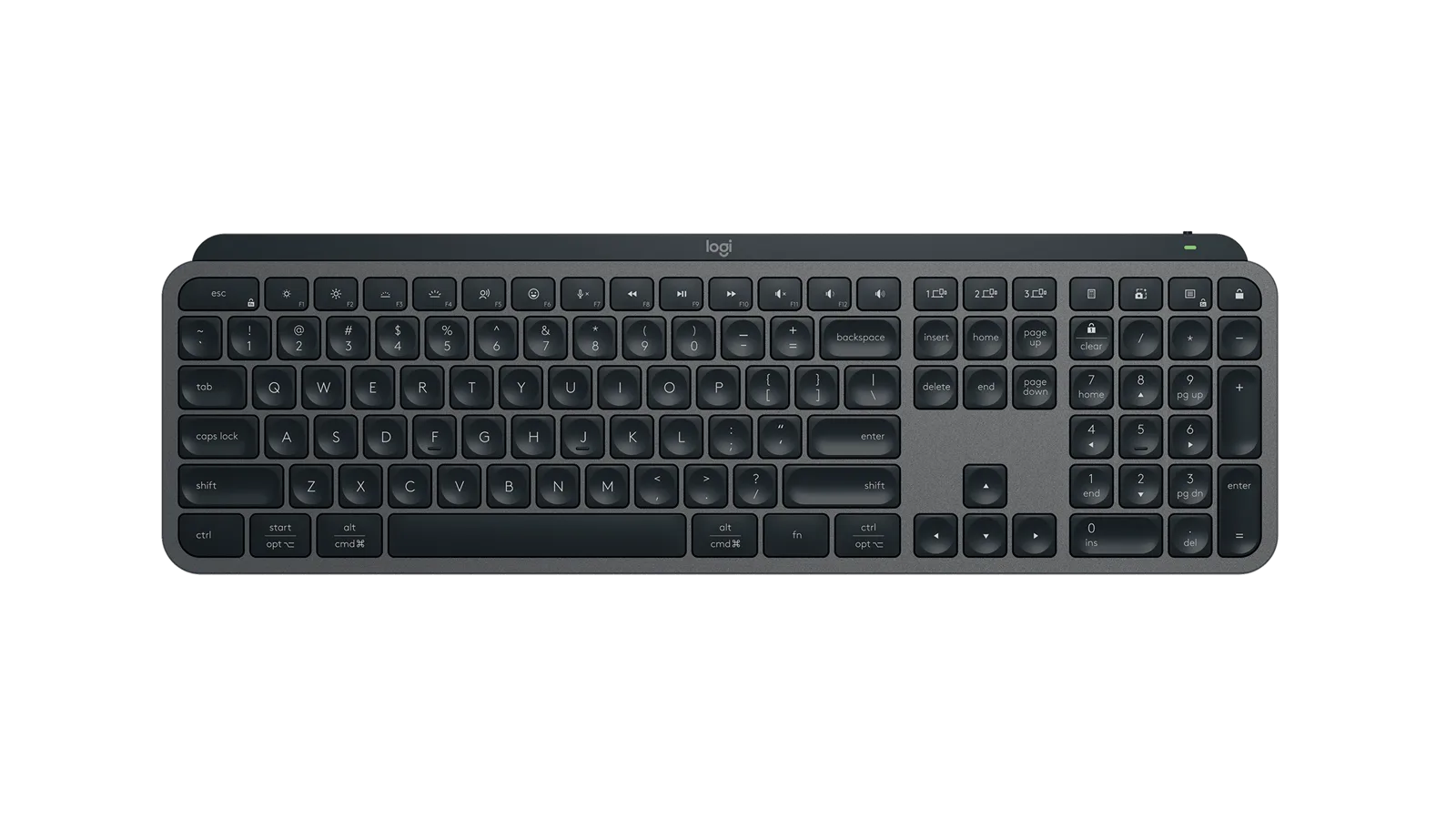
The Logitech MX Keys S.
I type for a living on a Razer Ornata that was picked for games: sixteen million colours, one cable, and no interest in my day job.”
The keys just work
Dished, stable and quiet, on a board built for typing instead of headshots. The long-term reviews all say the typo rate drops in the first week and stays down.
One keyboard, three machines
Work machine by day, personal laptop at night, iPad on weekends. The Razer connects to one thing, with a cable, like it’s 2015.
The backlight has manners
It lights up when hands come near and sleeps when they leave. After years of sixteen million colours I never asked for, a backlight with manners feels like personal growth.
| Switch type | Low-profile scissor, 1.9mm travel |
|---|---|
| Battery life | Up to 10 days backlit, 5 months without backlight |
| Connectivity | Bluetooth or Logi Bolt receiver, 3-device switching |
| Layout | Full-size with numpad |
| Weight | ~810 g |
| Backlight | Adaptive, hand-proximity sensing |
| Best under ₹8,000 |
Keychron V2
₹7,499
|
Proper mechanical feel, hot-swappable switchesWired only, and loud on calls |
|---|---|---|
| For the Mac desk |
Apple Magic Keyboard
₹12,900
|
Slim, tidy, Touch IDShallow keys, and the tricks only work on Apple gear |
| My pick |
Logitech MX Keys S
₹10,995
|
Best typing feel in a slim board, pairs to three machinesIf you want mechanical clack this will never satisfy you |
Keychron V2, if you want the mechanical clack. It’s the best starter mechanical board under ₹8,000.
Whether the typing feel actually beats my Razer over hours-long writing sessions, not just a showroom tap, is a long-term-use claim I can’t make until I’ve lived with one.
That link is an Amazon.in search, not one exact listing: I haven’t pinned a specific product page until I’ve verified it matches this configuration. If you buy through that link I earn a small commission. It costs you nothing and keeps the picks independent. I accept long-term review units; they never buy the pick, and I say so when a unit was loaned.
Does a scissor-switch board beat a mechanical one for all-day typing?
For accuracy and quiet, in my experience yes; it’s not about clack, it’s about the keys being dished and stable so my fingers land where they mean to. If you want the sound and feel of mechanical, this was never going to satisfy you.
Is three-device switching useful or a marketing checkbox?
For me it’s the whole reason to upgrade. I move between a work laptop, a personal machine and a tablet most days, and one button beats replugging a cable every single time.
I only ever use one computer. Does the Keychron V2 make more sense for me?
For a single machine and a taste for mechanical feel, yes, it’s excellent value. I need the switching more than I need the clack, which is the only reason I’m not buying that one instead.